Wave Flows by Janea




First I saved
This
image.
Then I made
This
background, 100 wider and 100 higher than the image I saved. I used pattern hs_fdiagonal, and colored it using DECO/COMP + color threshold.
Then I took the background to IM and composited the image center over.
Then I went to F/X and imploded using -240.
Now the Wave Flow.


I went to F/X and put 3x26 in the box and waved. Then I went to transform and rotated right.
Then to F/X and did a wave 3x26 again, Then transform and rotated it left.
Here is what I had.
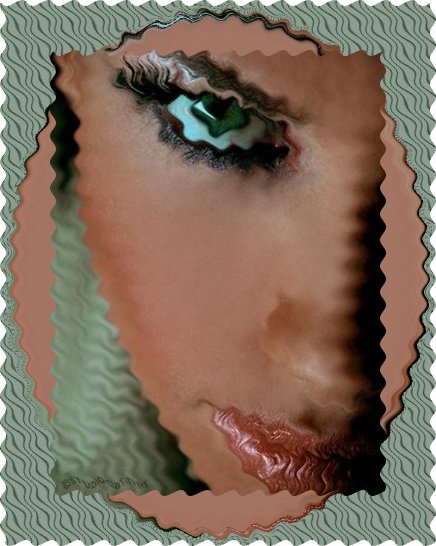
Then I composited the original center Over. Then I annotated my name. This is the finished image.
Here is a sample using wave 9x54 instead of the numbers above. The way I got the white off from around the outer edges after the bigger waving is by adding an 18x18 white border, Then changing the white using replace, color using fuzz 3%.
You can also do this and use matte, color none to make the outer edges transparent. Imagine the possibilities. Then I framed it.
Play with the wave numbers. You can come up with some awesome imaging.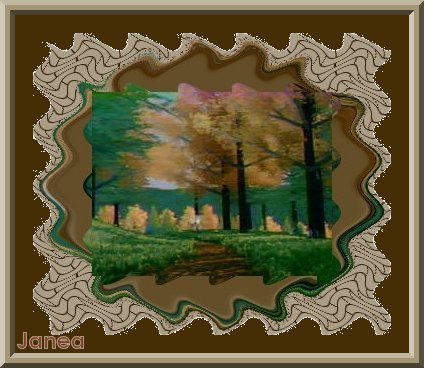
|
Variation of Background Also you may use your original image as your background image. Just resize it 100 higher and 100 wider first. Sometimes you may want to blur it. Or use spread. But this is also an option for this tutorial. Just play with it, and you will see the effects it produces for your image. Below is a example of how it looks using the image as your background. ~Enjoy~ Janea |
Example Image Here
Have fun and "happy" imaging

This tute was made March 7, 2008 by: Janea Lee. Please do not duplicate. All Rights Reserved.